Why a Drone Loses GPS Lock in a Dense Urban Canyon (and How to Fix It)
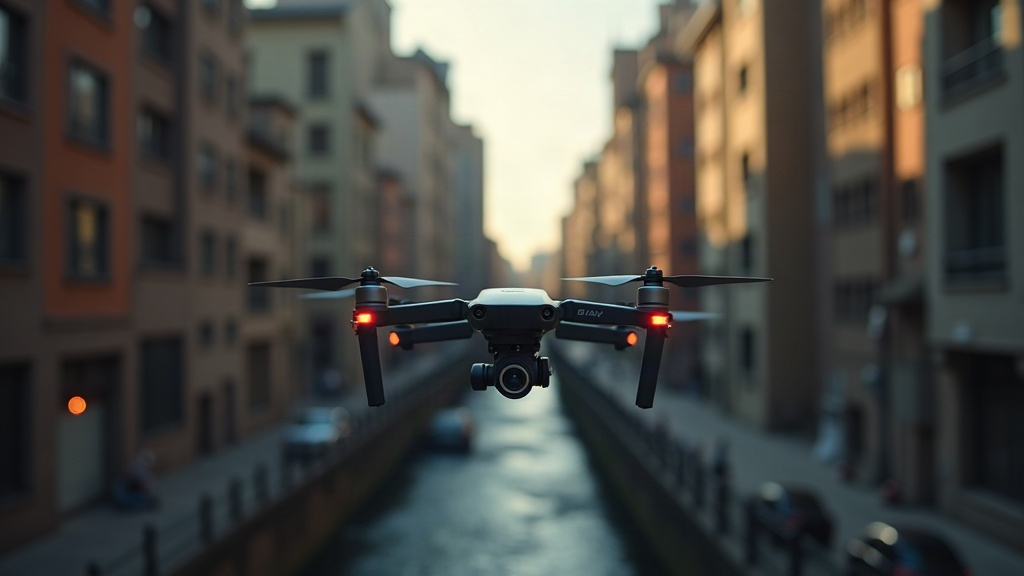
If your drone suddenly flashes a “GPS lost” warning or starts drifting sideways while you’re flying between skyscrapers, you’re not dealing with a broken aircraft. You’re dealing with a classic urban canyon problem. Tall buildings block, reflect, and scatter satellite signals, which confuses your drone’s navigation system. The good news is that pilots have been running into this for years, and there are practical, reliable fixes.
Why GPS Fails Between Tall Buildings
GPS needs a clear, unobstructed line of sight to at least four satellites at the same time. Drop a drone into a dense urban environment and several things start going wrong simultaneously.
1. Signal Blockage
Skyscrapers physically block satellites sitting low on the horizon. Instead of seeing satellites spread across the whole sky, your drone might only “see” a narrow strip directly overhead, between two rooflines. That’s often not enough for a reliable fix, even if the app shows a few bars.
2. Multipath Interference
This is the real villain in any city center. GPS signals bounce off glass and steel facades before they even reach the drone’s antenna. The receiver ends up with two versions of the same signal: the direct one, and a delayed, reflected copy. It struggles to tell the two apart, and that confusion shows up as:
- Sudden position jumps of several meters (your drone appears to teleport on the map)
- “Toilet bowl” drifting, where the aircraft slowly circles a point it thinks is home
- False altitude readings that don’t match what you’re actually seeing
3. Reduced Satellite Geometry (High DOP)
Even when a handful of satellites are technically visible, if they’re all clustered in one patch of sky instead of spread out, the Dilution of Precision (DOP) value climbs fast. High DOP means the position math becomes shaky and unstable, even when the receiver insists it has a “locked” signal.
4. Electromagnetic Noise
Cities are packed with Wi-Fi routers, cell towers, building security systems, and electrical wiring. All of that RF noise raises the ambient noise floor, and it can partially swamp an already faint GPS signal, one that arrives at roughly -130 dBm to begin with. That’s whisper-quiet. It doesn’t take much extra noise to drown it out.
How to Fix GPS Lock Issues in Urban Canyons
Switch to ATTI or Manual Mode Proactively
Don’t wait for the drone to panic and do it for you. If you already know you’re heading into a canyon of buildings, say a narrow street in a financial district, flip to Attitude (ATTI) mode or sport mode before you get there. This turns off GPS-assisted positioning and hands you direct control, which prevents the jerky auto-correction behavior that’s responsible for a lot of wall strikes and crashes.
Enable Vision Positioning System (VPS)
Most modern consumer drones (think DJI Mavic, Air, and Mini series) use downward and forward-facing vision sensors to hold position even with zero GPS. To get the most out of this:
- Keep your drone’s firmware updated (older firmware versions often have weaker VPS tuning)
- Check that the VPS sensors are clean, no smudges, no condensation, no dust film
- Fly at a height where the sensors can actually read textured surfaces; skip flying directly over plain reflective water or glass rooftops, since the sensors can’t grab a fix on a featureless, mirror-like surface
Fly Higher When Legally Possible
Climbing above rooftop level often opens up a much clearer view of the sky and improves satellite geometry almost instantly. One practical tip: a drone struggling at 30 meters between buildings can suddenly show 16 satellites once it clears the roofline at 80-90 meters. Just check your local regulations first. Plenty of cities cap altitude at 400 ft (120m), so don’t treat this as a free pass.
Use RTK-Enabled Drones for Precision Work
Doing professional inspection or mapping work downtown? It’s worth investing in an RTK (Real-Time Kinematic) module. RTK corrects multipath errors by referencing a fixed ground station, and it can get you down to centimeter-level accuracy even in tough GPS environments where a standard receiver would be guessing.
Pre-Flight Satellite Count Check
Before you even take off, glance at your app’s satellite count and signal bars:
- Fewer than 10 satellites with flickering bars: postpone the flight, or go in expecting instability
- 14 or more satellites with a strong, steady signal: generally safe to fly in GPS mode
Avoid Flying Directly Beside Glass Facades
Keep at least 10-15 meters of clearance between your flight path and any mirrored glass building. That reflective skin is one of the biggest multipath sources you’ll encounter, and shaving off a few meters of distance can noticeably calm down the drift.
Use a GPS Signal Booster Antenna (Advanced)
Some hobbyists bolt on external active GPS antennas with higher gain to compensate for weak-signal zones. This isn’t something you’ll find on an off-the-shelf consumer drone, but it’s fairly common in custom FPV builds and dedicated mapping rigs.
Quick Troubleshooting Checklist
- Confirm satellite count before takeoff (aim for 14+)
- Switch to ATTI/manual mode in tight canyon sections
- Verify VPS sensors are clean and active
- Keep distance from reflective glass surfaces
- Gain altitude above rooftops where legal
- Consider RTK for professional/precision missions
Conclusion
Losing GPS lock in an urban canyon isn’t your drone malfunctioning. It’s physics. Blocked satellites, multipath reflections, and RF noise all gang up to confuse any GPS receiver, whether it’s strapped to a drone, a car, or a phone. Switch flight modes proactively, lean on vision positioning, keep your distance from reflective surfaces, and check your satellite count before you launch. Do those four things consistently, and you can fly with real confidence, even in the densest, glassiest downtown core.